

Your first 14 days
From signup to a running roster in 14 days
Two short calls with us, a day-by-day plan for the time between them, and a free trial that runs on the same clock. By day 14 your athletes train in the app and your week runs off their check-ins. There is also a page with your name on it where new leads book calls.
15 minutes, no pitch. Your 14-day free trial starts on the call, first month money-back, personal support. Times are shown in Swiss time (CET/CEST).
Two calls carry the setup
The rest of the roadmap happens in short sittings between them, inside your normal week.
The intro call
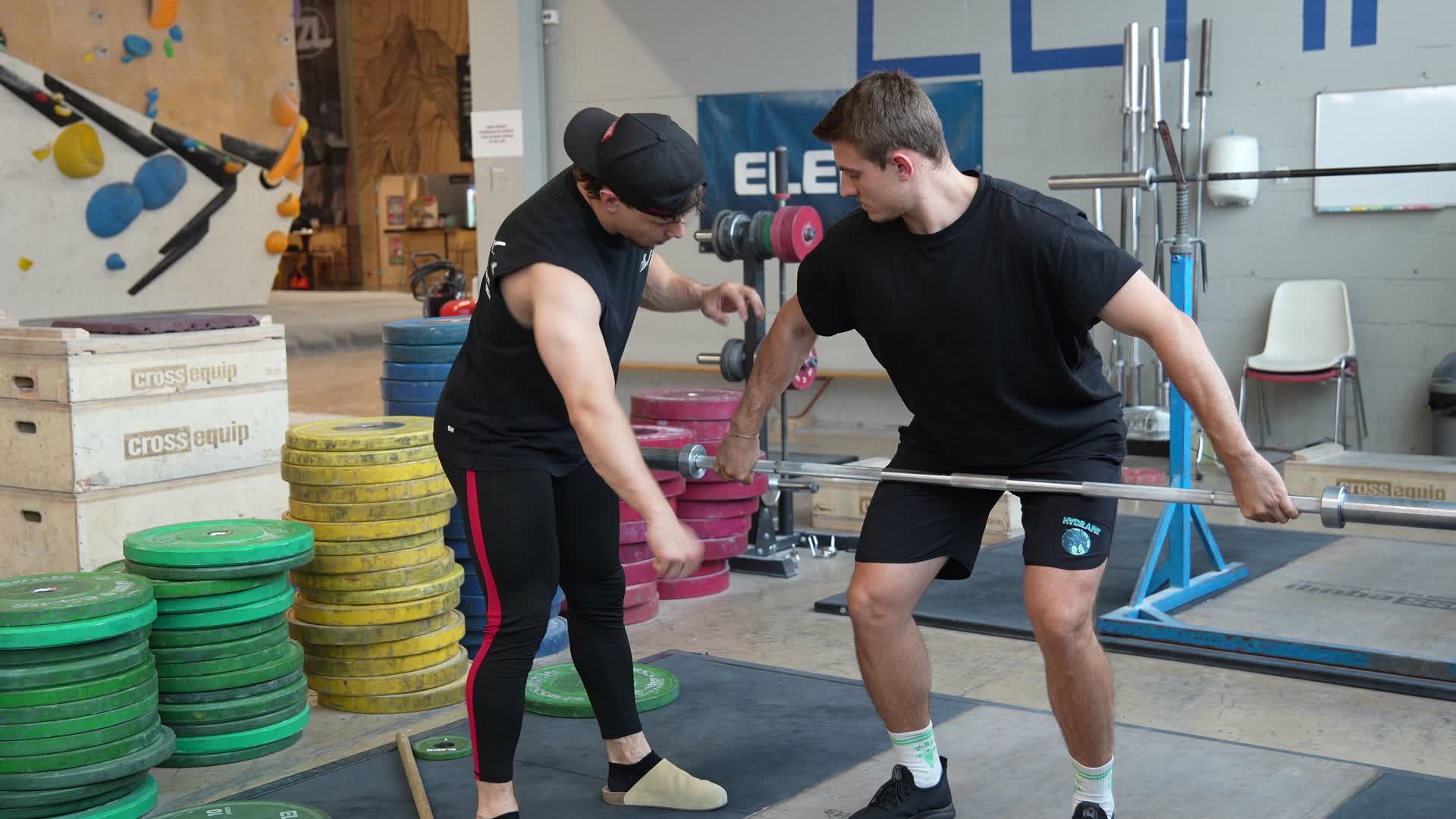
A video call to start the clock. You tell us how you coach, we set up your workspace to match, and we migrate your first five athletes together, live. You leave the call with a running roster and a clear picture of the next two weeks.
The follow-up call
A week of real use produces real questions. Bring the list. We answer them, fix anything the first week showed was set up badly, and settle the weekly routine you will run from here.
The roadmap, day by day
Four phases, fourteen days. The links go to the feature pages if you want the detail before you start.
Set up together
The intro call does the heavy lifting on day 1. The two days after it are for getting your programming into the platform.
- Day 1
The intro call
We create the workspace, migrate your first five athletes with you and answer the setup questions on the spot.
Book the call → - Days 1–2
Bring your programming in
Import the programs you already run with the import wizard, or build your first block on the weekly canvas with percentages off each athlete’s live max.
See the program builder → - Days 2–3
Turn it into templates
Save your base program as a reusable template and write your check-in questionnaire. New athletes start from the template, and you adjust the part that differs per athlete.
See client management →
Your athletes move in
With the templates ready, the rest of the roster comes over, and their training starts showing up on your screen.
- Days 4–5
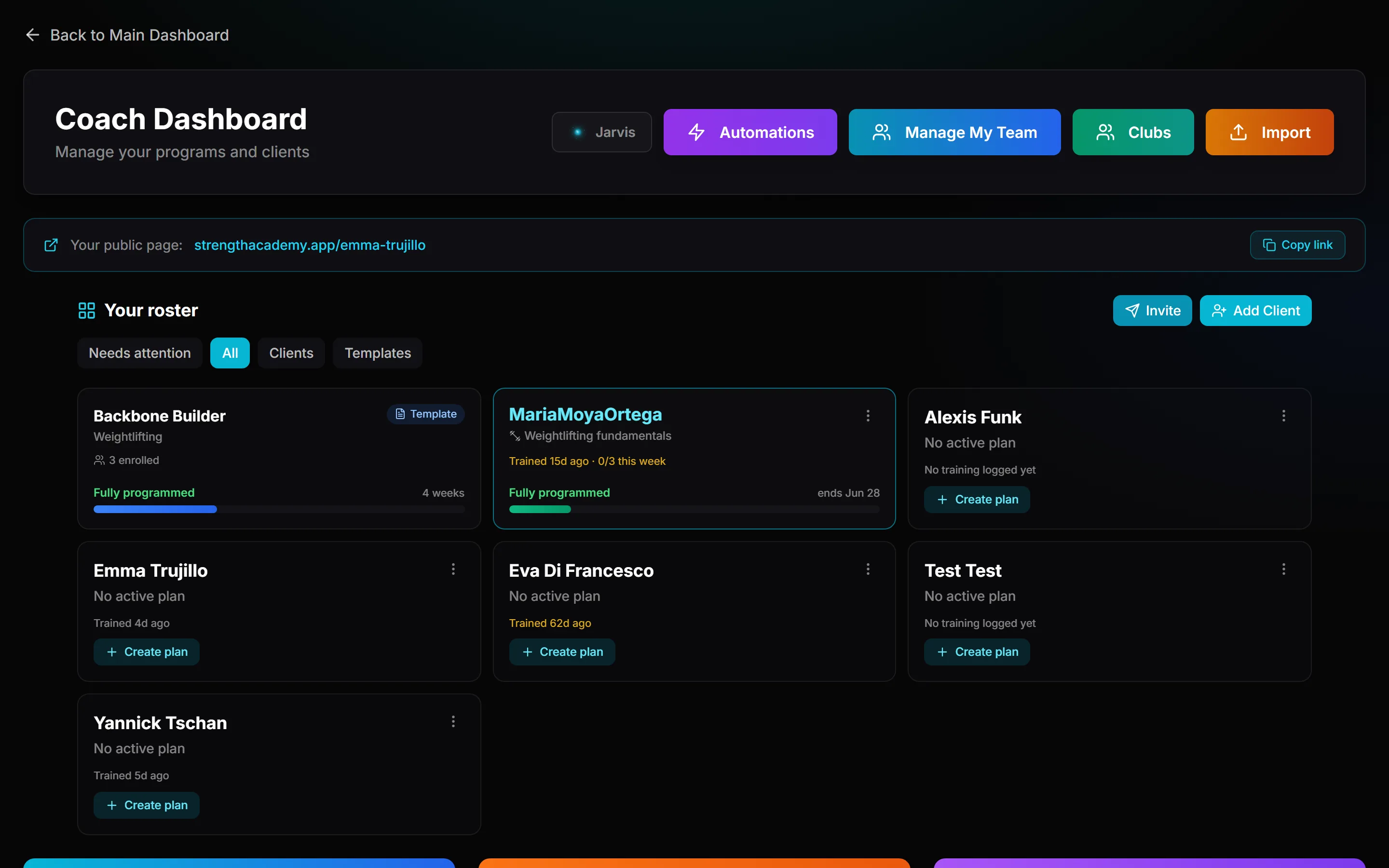
Invite the rest of your roster
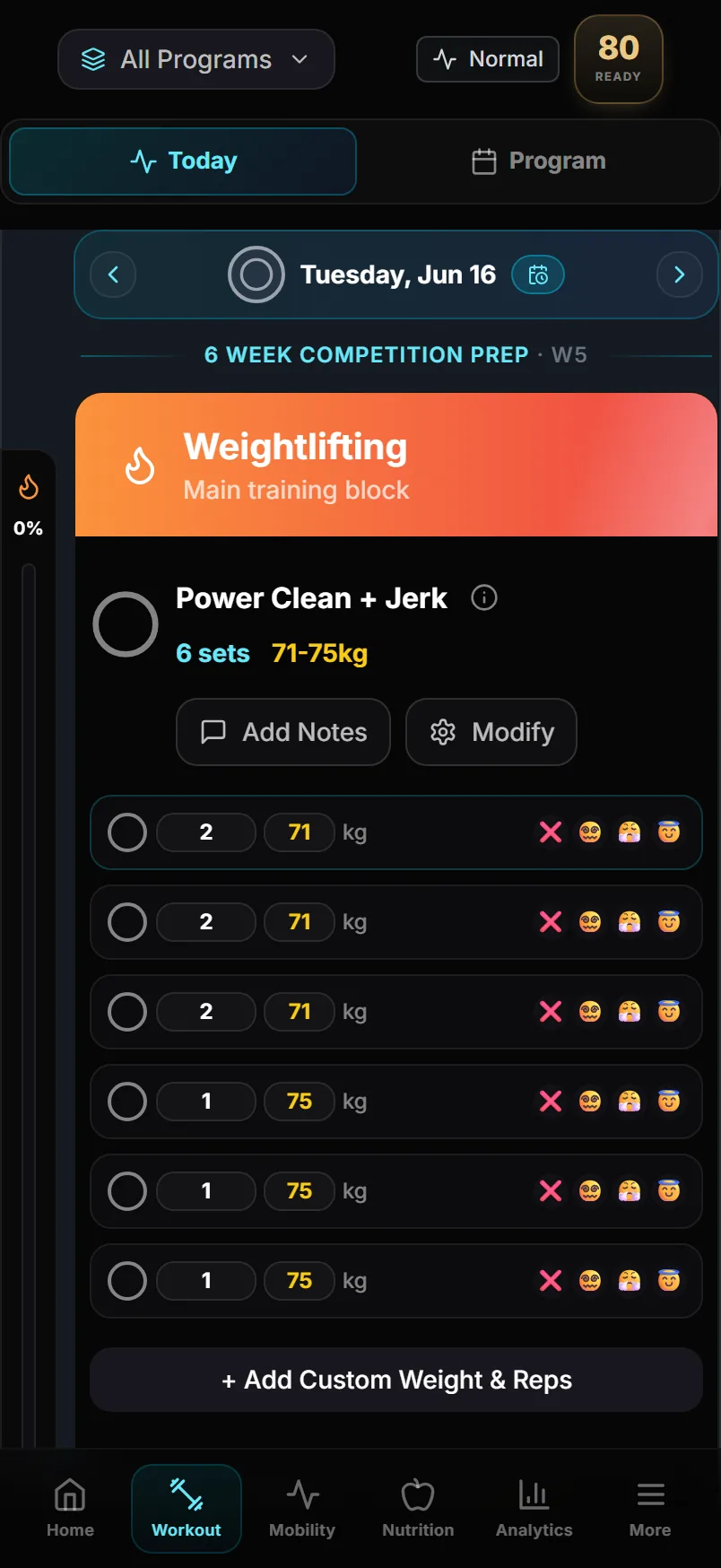
Send invites from your client list. Each one carries your questionnaire and the plan the athlete starts on, so their first day in the app is a training day.
- Days 5–7
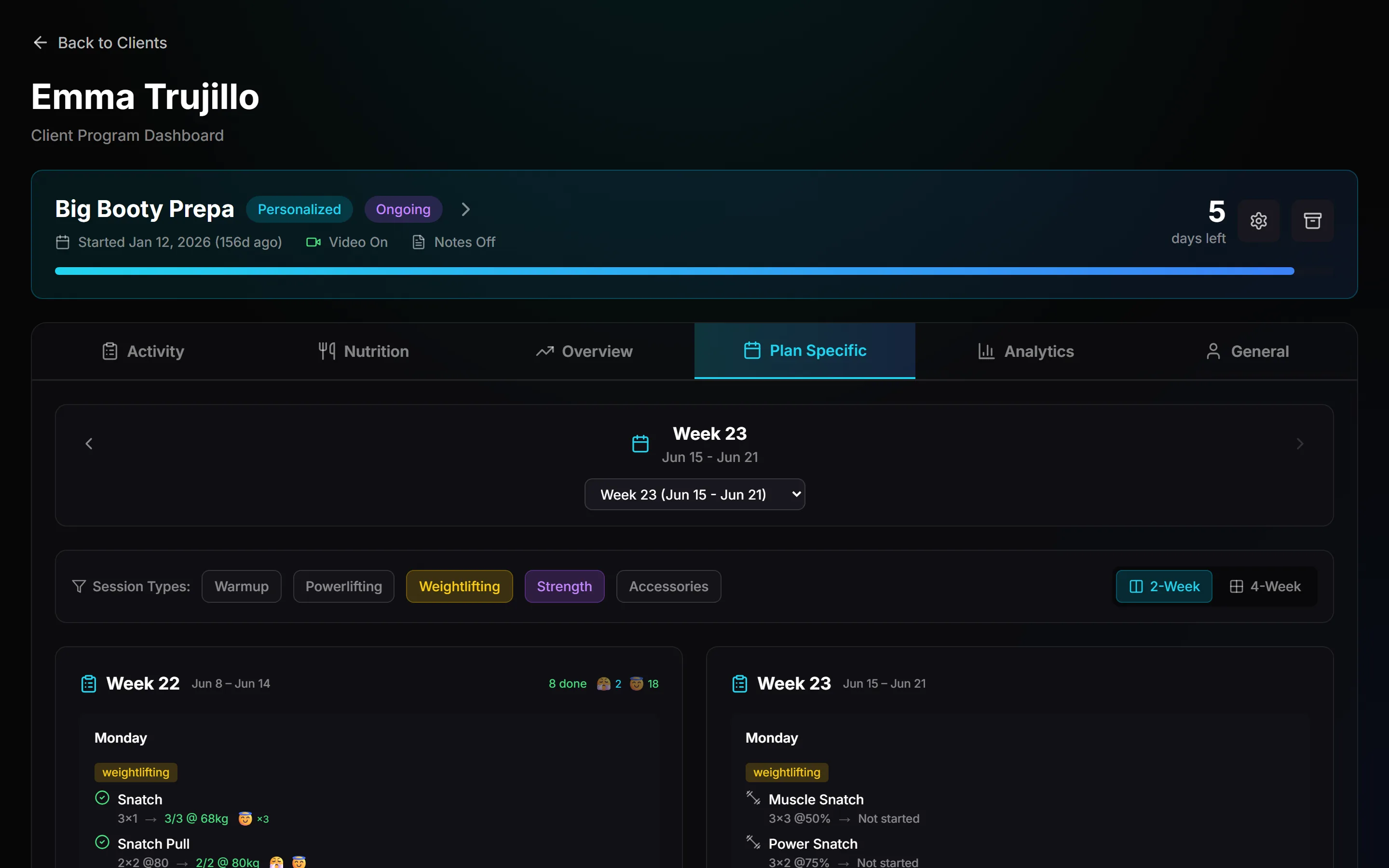
They train, you see it
Sessions get logged in the app, and compliance, RPE and readiness build up on each client record without you chasing anyone for numbers.
See athlete monitoring → - Days 6–7
Return your first video review
An athlete films a lift, you answer with timestamped feedback on the video itself. One review this week is enough to make the habit stick on both sides.
See video feedback →
Find the weekly rhythm
This is the week the platform starts giving time back. The follow-up call opens it.
- Day 8
The follow-up call
By day 8 you have questions no setup guide covers. We go through the list together and adjust whatever the first week exposed.
- Days 8–9
Run your first weekly pass
Scan the roster with the check-ins in front of you: who hit their sessions, whose RPE is drifting, who needs a message. Adjust the flagged athletes and let the templates carry the rest.
- Days 9–10
Hand off the routine follow-ups
Set the reminders and check-in nudges once and they run on their own, so your personal messages go to the athletes whose week actually needs one.
Open the front door
Delivery is running, so the last days point outward, toward the people who have not hired you yet.
- Days 11–12
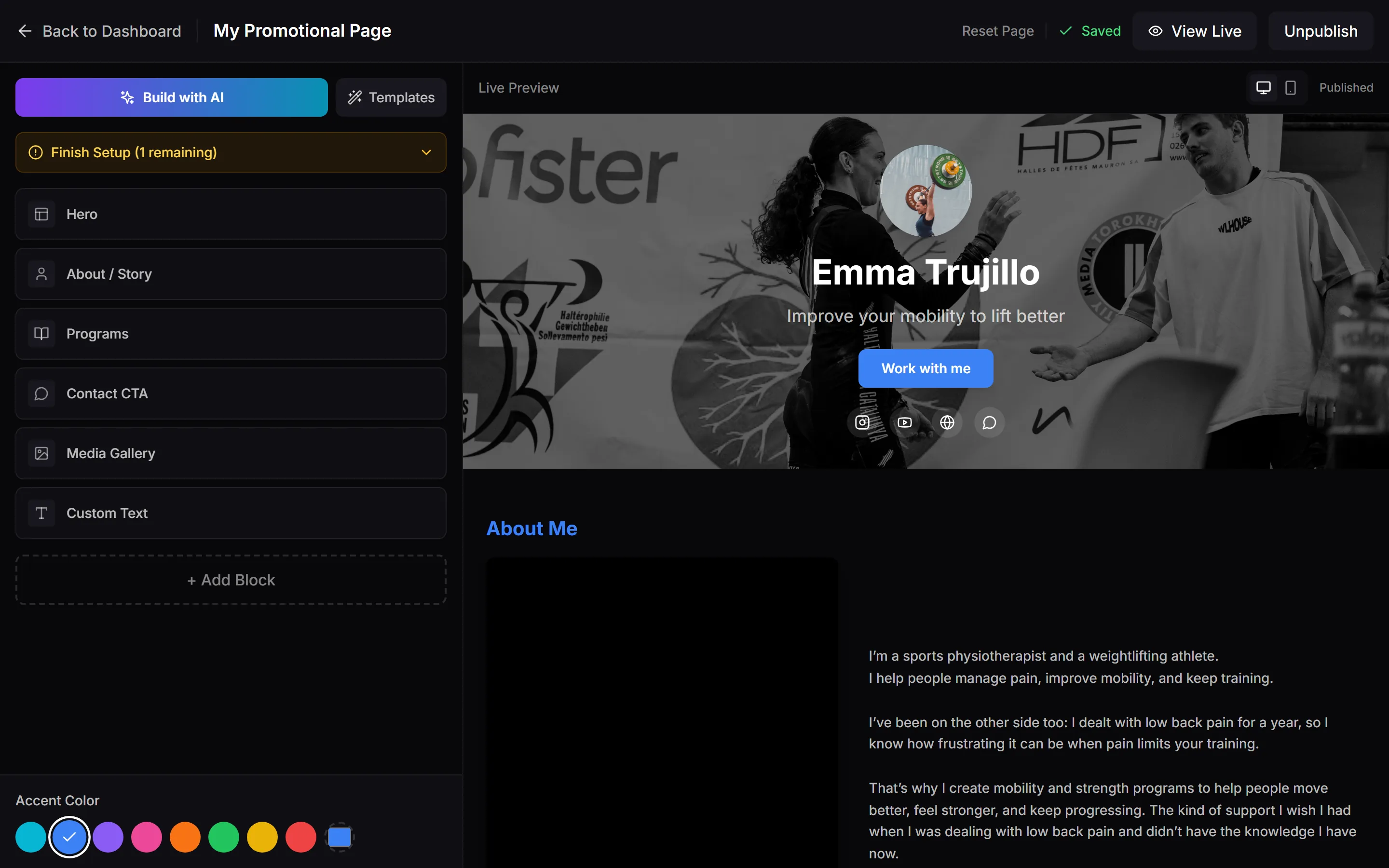
Publish your coach page
Build your page from blocks: about, testimonials, programs, pricing and an intro-call block, so a lead who finds you can book a call with you directly.
See the page builder → - Days 12–13
Switch on payments
Connect your payout account and put prices on your coaching plans, sessions and programs. New clients can pay you inside the same platform they train in.
See the storefront → - Days 13–14
Open your calendar
Set your availability, and booked calls and sessions land in your calendar while the platform sends the confirmations and reminders.
See calendar & booking →
Day 14 is the day the free trial ends too, so you decide with a running account in front of you instead of a blank one.
What day 14 looks like
Everything in one place
Programs, check-ins, messages, video reviews and payments sit on one client record. When an athlete asks a question, the answer is one screen away instead of spread across five apps.
A front door for new clients
Your page is live with an intro-call block on it. A lead who finds you can book a call, and they land in your client list with their questionnaire answers attached.
Your time back on coaching
The check-ins tell you who needs attention before you go looking. Your hours go to the athletes whose numbers ask for them, while the routine follow-ups run on their own.

Pick a time and we start together
The intro call is where day 1 happens. Everything after it is mapped out above.
15 minutes, no pitch. Your 14-day free trial starts on the call, first month money-back, personal support. Times are shown in Swiss time (CET/CEST).