
Client Management
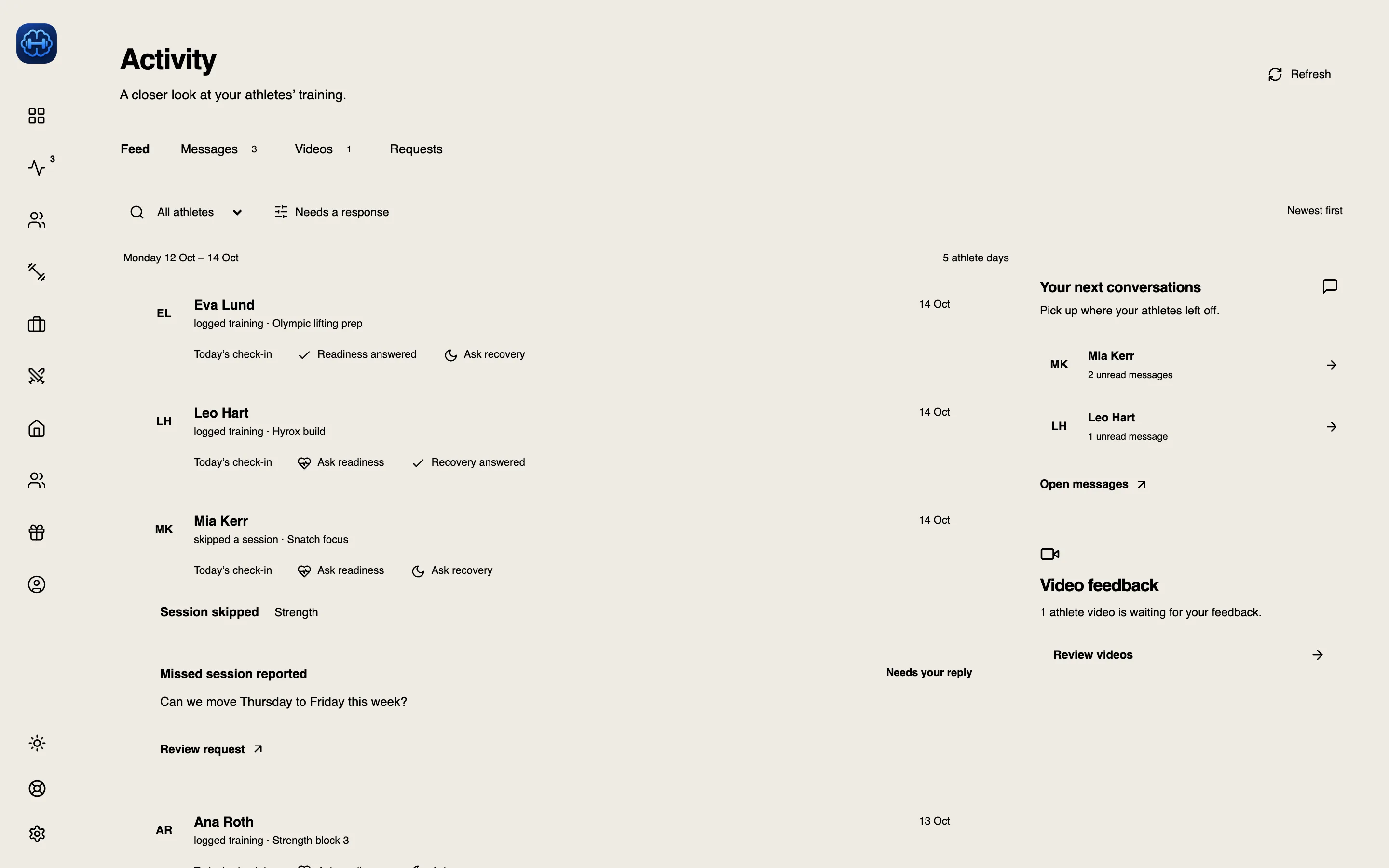
See every client on one roster, sorted by who needs you first, and follow their training, check-ins, messages and videos in one feed.
Start your 14-day trialDiscover my options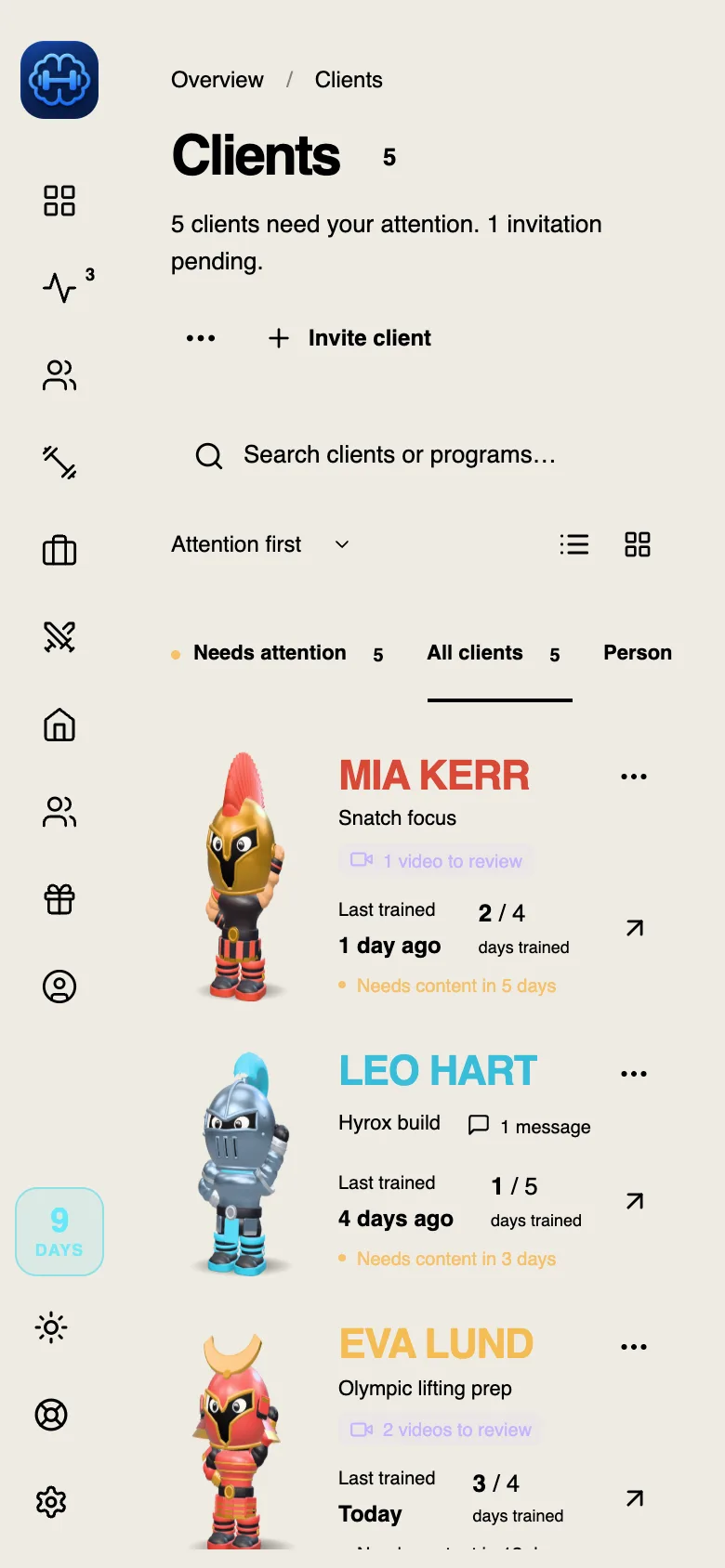
Watch it in the app
Your roster, the athlete side and a client’s week
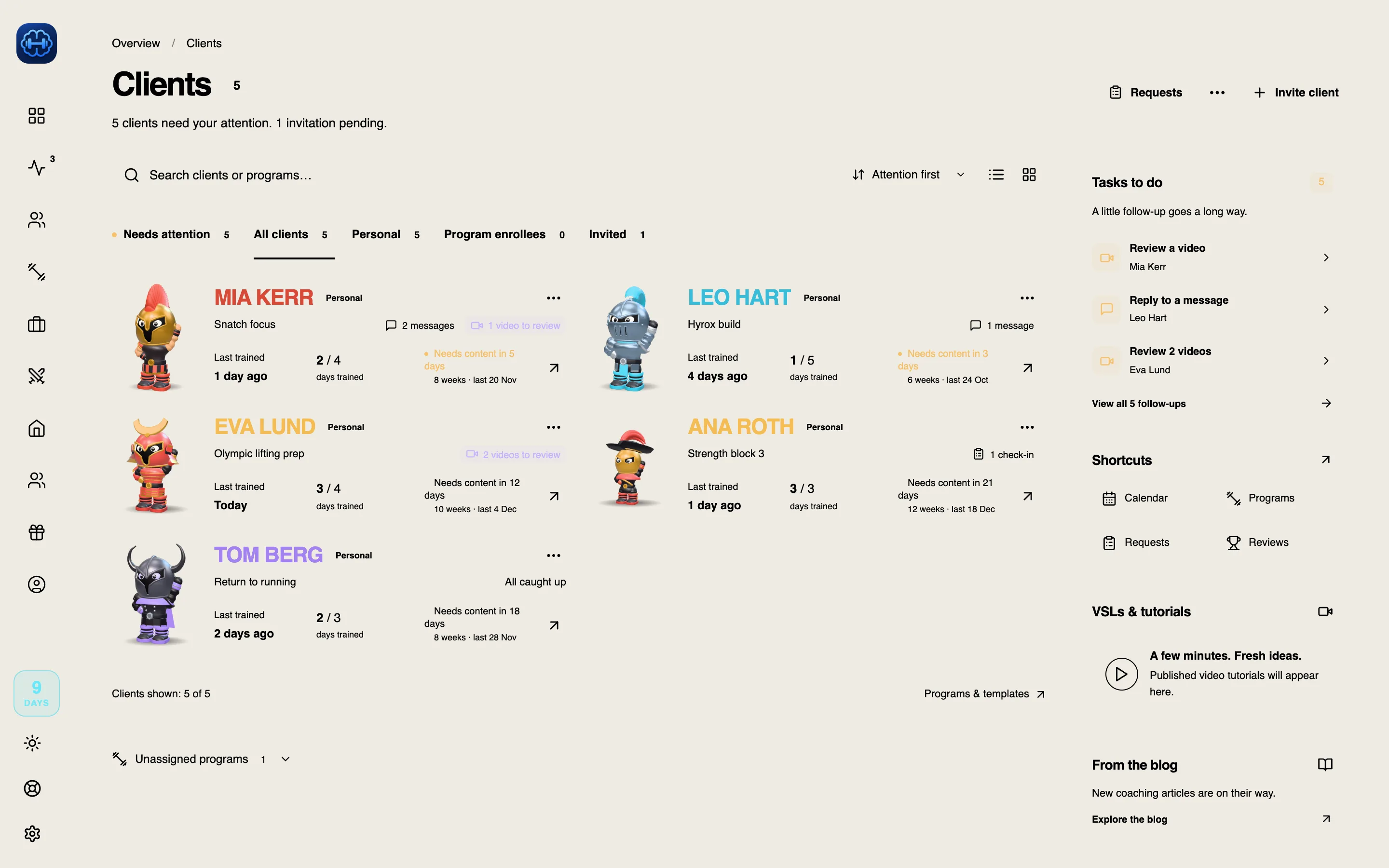
The Clients page with its invite button, yourself on your own roster, the athlete app on the session you built, and a client’s week next to your chat with them. See every tutorial.
Questionnaires per client. Edit a client’s check-in questionnaires from their profile settings, on the Team and Gym plans.
Your client roster
Every client on one page, with their program, when they last trained and how much of this week is done. Open a client’s workspace, or invite someone with their email address.
Read the transcript
Clients is your roster: everyone you coach, on one page.
Each card shows a client’s program, when they last trained, and how much of this week is done.
Click a card to open that client’s workspace: their workouts, activity, nutrition, goals and records.
To add someone, click Invite client and type their email address.
Tip: add people with their email. They get a ready account, so there is no sign-up wall on day one.
Next, open a client and write their week.
Video language
Ready to bring your roster over?
Start your free trial and set up your coaching dashboard.
Start your 14-day trialPrefer to set it up together? Book a free 15-minute intro call