
Strength Academy on your Mac
The same coaching workspace you already use, in a real Mac app that can reach your hard drive. Built for the part of the job the browser gets in the way of: getting training footage out of a camera and in front of an athlete.
Open this page on your Mac to download the app.
Not sure which Mac you have? Download for Intel (149 MB). Apple menu → About This Mac tells you which one you are on: “Chip” means Apple Silicon, “Processor” means Intel.
Version 0.1.0 · released 2026-08-30 · free with every coach plan. Signed and notarized by Apple.
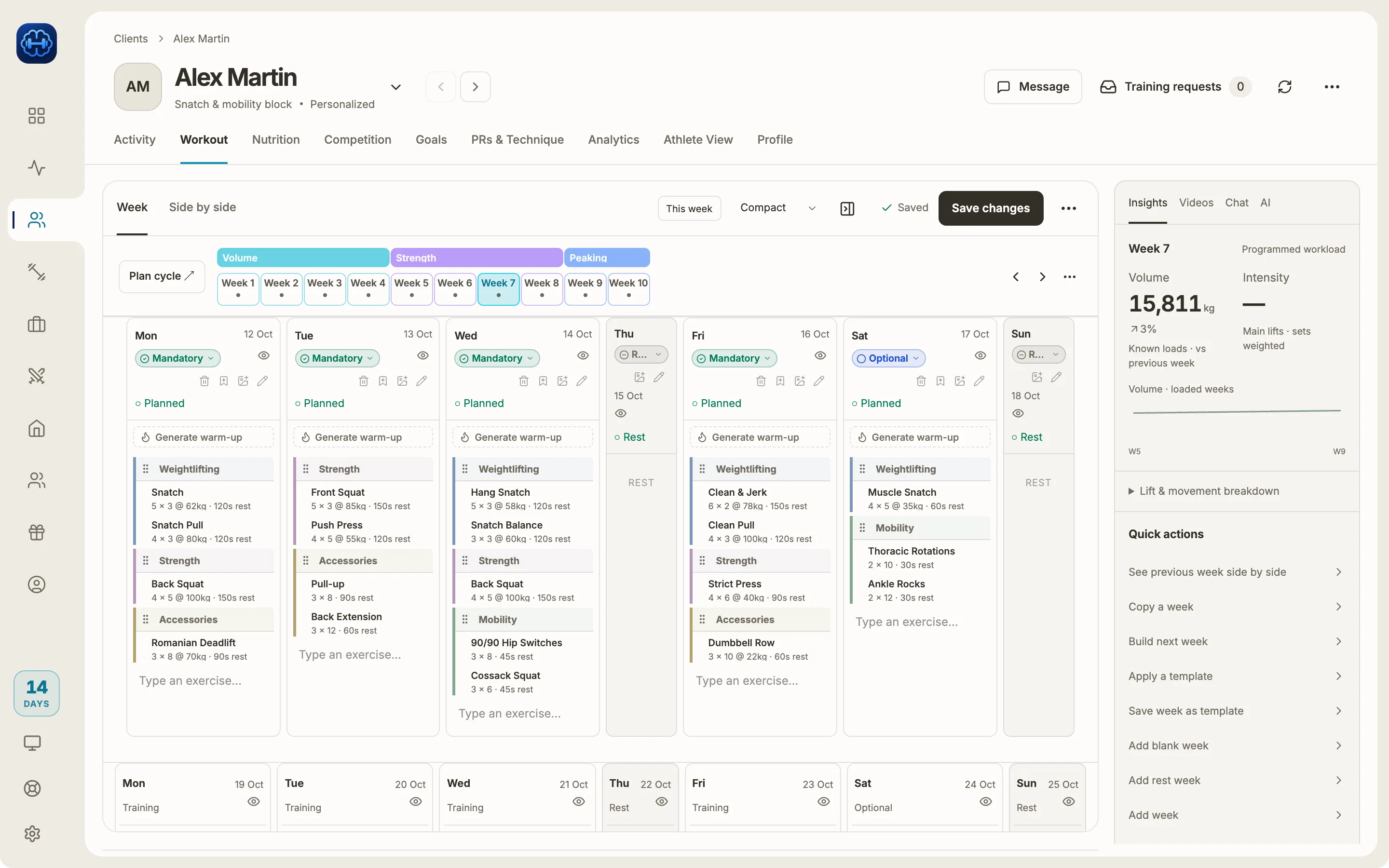
Why there is a desktop app at all
Everything else in Strength Academy works fine in a browser, and the desktop app is the same app. These three are the exceptions, and each one is a limit of the browser itself.
It reads the files your camera actually makes
A browser gives up on HEVC, 10-bit and ProRes clips: it opens them, waits, and silently reports no duration. The desktop app reads them with ffprobe, so footage straight off a Sony, a GoPro or an iPhone just works.
It trims before it uploads, not after
Uploading a 2 GB clip on a 20 Mbps connection is about 13 minutes of watching a progress bar for a file already sitting on your own disk. The desktop app cuts the seconds you keep first, so you upload a fraction of that.
Analysis does not die with the tab
Deep scene analysis runs on your machine instead of inside a browser tab that stops the moment you close it or your laptop sleeps.
Installing it
- Download the build for your Mac and open the .dmg.
- Drag Strength Academy into your Applications folder. Do this before opening it. Running it straight from the disk image is what usually looks like "nothing happens".
- Open it from Applications. The first time, macOS asks you to confirm an app downloaded from the internet: click Open.
- Sign in with the account you already use.
It is signed and notarized by Apple, so that confirmation is the only thing standing between you and the app: one click, once. You will never see the scarier “unidentified developer” warning, and you never need to right-click to open it.
Worth knowing
- It updates itself. The interface is the same one we ship to the web, so it stays current on its own. You only ever reinstall for changes to the Mac parts.
- Nothing is desktop-only. Every athlete, program and message is the same account. Work on the Mac, keep going on your phone.
- Windows is not out yet. Most of the coaches using a computer for this are on macOS, so the Mac came first. If you are on Windows, the web app does everything except the three things above.
Not coaching with us yet?
The desktop app is free with every coach plan. Start with the platform itself and install it whenever you need it.
Start Free