
Coach question · updated 16 October 2026
How do I move my training programs from Google Sheets into a coaching app?
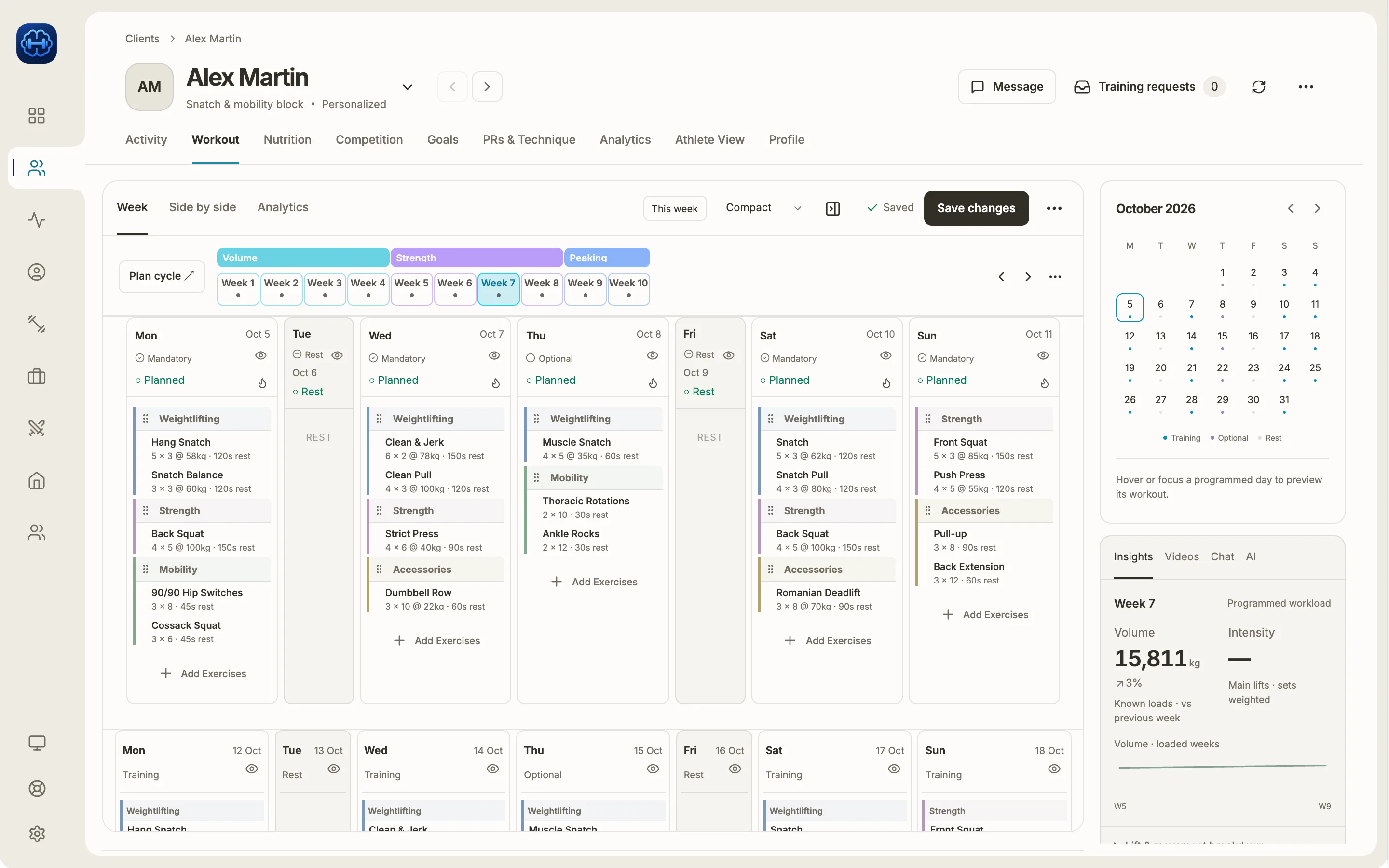
Download the sheet as an Excel file or a PDF, then import it into Strength Academy. Program import is on every plan. It reads xlsx, xls, csv, ods and pdf files, or up to 8 photos of a printed program. It finds the weeks and days, asks about exercises it does not recognise, and shows you every week before it lands in a plan.
Free printable PDF
Google Sheets to coaching app checklist
The steps to move your programs from a spreadsheet into an app without losing a week.
How it works
Download the sheet first
A Google Sheets link cannot be imported. In Google Sheets, choose File, then Download, then Microsoft Excel or PDF. A spreadsheet the app can follow is read on your device, with no AI. PDFs, photos and harder layouts are read with AI.
Drop the file or photograph the pages
Start an import for a new program, or import straight into a week from the week builder. Drop the file, or take up to 8 photos of a notebook or printed sheet. A short note such as “SN = snatch” helps the reader.
Answer what it could not read
When an exercise name is unclear, the import asks which exercise you meant and suggests matches from the library. You can also keep the name as written, and it becomes your own exercise. Your answers are remembered for your next imports.
Check the weeks, then save
The review shows every week and day. Move or swap days, or change an exercise everywhere it appears in the file. Then save it as a template or as a client’s plan, either as a new plan or added after the one they are on.
Other apps that do this
Trainerize’s AI Workout Builder reads a CSV, Excel or PDF file, one workout per file, and its help page says it cannot create programs. Everfit turns a PDF that holds a single workout into a workout.
Hevy Coach’s help centre says there is no easy way to move programs over yet. It says an import tool is in the works.
Limits worth knowing
- A Google Sheets link cannot be imported. Download the sheet as Excel or PDF first.
- Photo imports take up to 8 pages. A longer PDF is read up to page 8, and the import tells you which pages it read.
- A day the import cannot place on a weekday is left out, and the review tells you how many.
- Percentages import as percentages of 1RM. Without a link, only a few weightlifting lifts and the back and front squat find their max by name. Set “Link to 1RM” on the rest.
- Extra coaches on a Team or Gym plan cannot import programs. The plan owner can.
Common questions
Checked against the app on 16 October 2026. Spotted something outdated? Email info@strengthacademy.app.
Go deeper
Other coach questions
- Track rep maxes and weekly volume
- Percentage-based programming app
- Volume and intensity while you program
- Give video feedback on lifts remotely
- Turn one week into a progressive block
- Keep what your clients pay you
- Use Claude or ChatGPT with your coaching app
- Build training programs on your phone
- Chat, check-ins and programs in one app
Try it with your own program
The 14-day trial includes every feature, so you can build a real week, send it to an athlete and see what they log.
Prefer to set it up together? Book a free 15-minute intro call