
Coach question · updated 25 November 2026
Which coaching app lets me program EMOMs and AMRAPs with a timer for my clients?
Strength Academy does, on every plan. In the week builder you type /emom 12, /amrap 10 or /fortime 3 under a training day, in the same day as squats written as a percentage of each client’s max. On their phone the client starts a clock that shows where they are, such as “Interval 3 of 12”, and AMRAP and For Time blocks take a score that you see on their week.
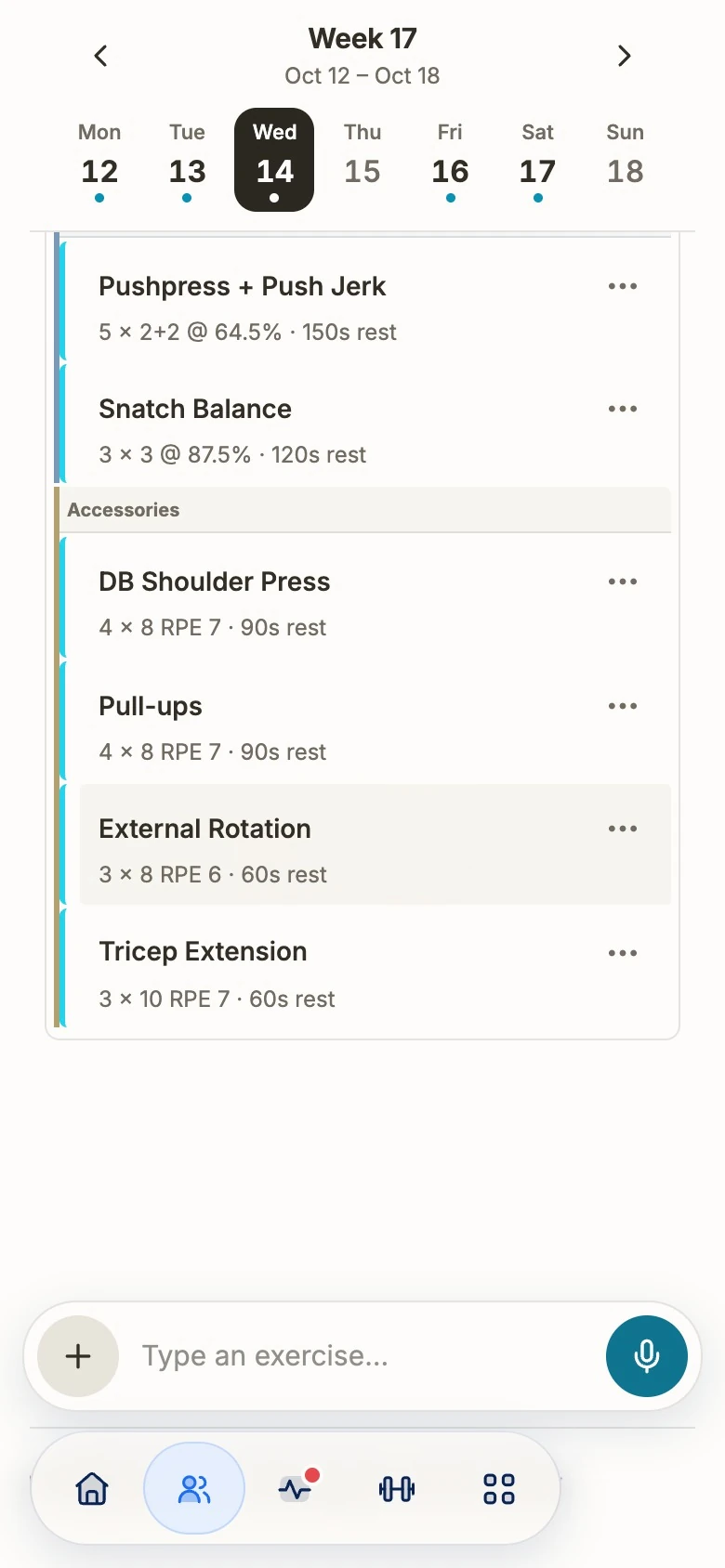
How it works
Type the block
Under a day that already has exercises, type /emom 12 for a 12-minute EMOM, /amrap 10 for a 10-minute AMRAP or /fortime 3 for three rounds for time, then list the exercises. E2MOM gives a 2-minute interval, and “cap 15” sets the time cap of a For Time block. The list of commands shows in the desktop builder.
Keep the strength work in the same day
The block sits in the day like any other exercises, so the back squat above it can stay at 80% of each client’s max, and each client still sees their own kilos.
The client runs the clock
On their phone the client taps Start and gets a 10-second count-in. An EMOM counts down each interval and shows “Interval 3 of 12”, the exercise to do now and the next one. An AMRAP counts down, and For Time counts up against the cap. If they leave the app, the clock shows the right time when they come back.
Scores come back to you
An AMRAP takes rounds and extra reps, and For Time takes the time from the clock. You see the result under the exercise on the client’s week. EMOM rounds are logged like normal sets.
Other apps that do this
TrueCoach’s CrossFit page says coaches write AMRAPs, EMOMs, sets, reps and rest times the way they want to present them. TrainHeroic’s athlete app has built-in timers for AMRAPs and EMOMs. Strivee is built around CrossFit and functional fitness, with scores and leaderboards. Checked 24 November 2026.
Limits worth knowing
- The clocks make no sound. With the phone app and notifications allowed, clients get lock-screen alerts.
- EMOM blocks take intervals of 1 to 5 minutes. For work and rest intervals, use the CrossFit block.
- A For Time block in the normal builder records the time only. The CrossFit block also takes reps at the cap.
- There is no leaderboard of these scores across your clients.
Common questions
Checked against the app on 25 November 2026. Spotted something outdated? Email info@strengthacademy.app.
Go deeper
Other coach questions
- Track rep maxes and weekly volume
- Percentage-based programming app
- Volume and intensity while you program
- Give video feedback on lifts remotely
- Turn one week into a progressive block
- Move a Google Sheets program into an app
- Keep what your clients pay you
- Use Claude or ChatGPT with your coaching app
- Build training programs on your phone
- Chat, check-ins and programs in one app
- Booking, payments and programming in one app
- Copy and paste training between days and weeks
- See the whole training block on one screen
- Send a free guide when someone comments a keyword
- A Trainerize alternative for percentage-based programs
Try it with your own program
The 14-day trial includes every feature, so you can build a real week, send it to an athlete and see what they log.
Prefer to set it up together? Book a free 15-minute intro call